


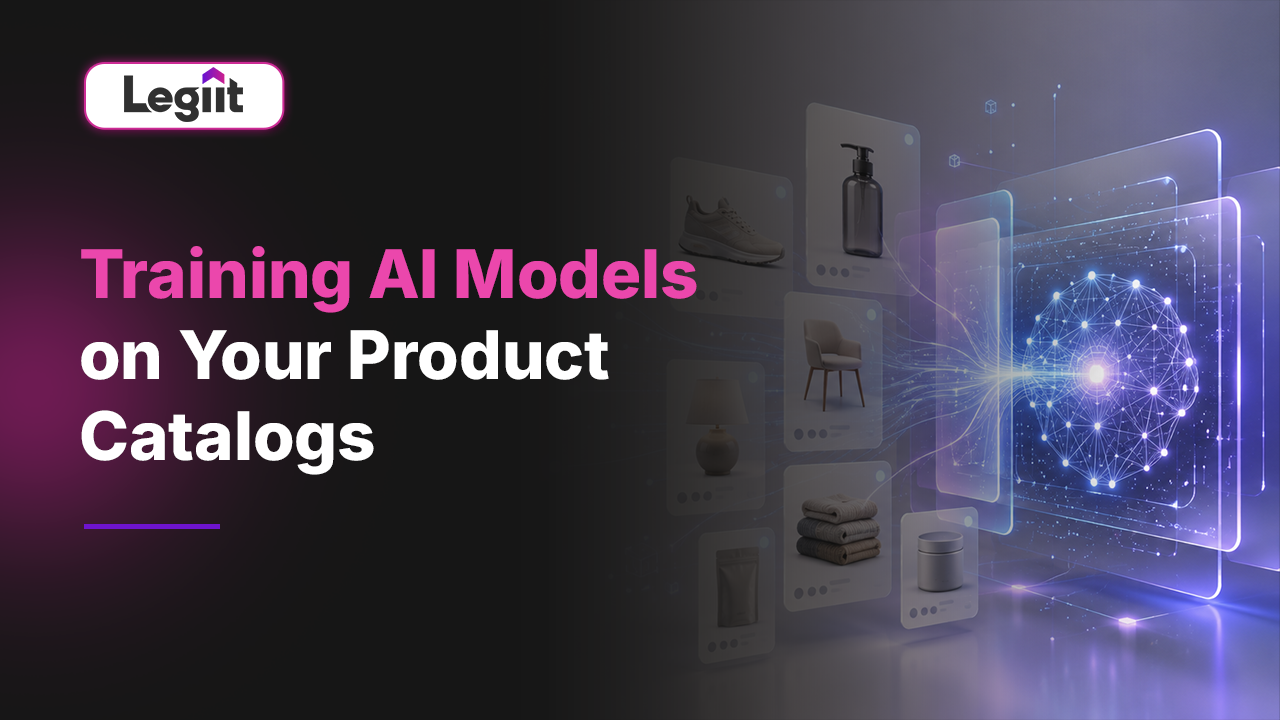
Imagine a customer lands on your website and asks a chatbot, "Do you have any summer dresses that are good for a wedding but under one hundred dollars?"
A standard chatbot will apologise or give a generic answer. But an AI model trained specifically on your product catalogue will instantly reply: "Yes, we have the Floral Midi in blue and the Satin Slip in gold, both in stock and under your budget."
This is the difference between a "smart" tool and a "knowledgeable" one.
For ecommerce brands, your product catalogue is your most valuable asset. It contains thousands of data points, SKUs, prices, materials, dimensions, and stock levels. However, most AI tools are blind to this data. They know who Napoleon is, but they do not know what you sell.
Training an AI model on your specific product catalogue bridges this gap. It turns your static inventory list into a dynamic, interactive brain that can write descriptions, answer customer queries, and even recommend products with human-like intuition.
This guide explains how to move your data from a spreadsheet into an AI model, and why this is the upgrade your store needs in 2026.
The Two Ways to Teach Your AI

When we talk about "training" an AI on your products, we usually mean one of two specific technical methods. It is important to know the difference because they serve different purposes.
- 1. RAG (Retrieval-Augmented Generation): Think of this as giving the AI a library card. The AI does not memorise your catalogue. Instead, when a user asks a question, the AI runs to your database, reads the relevant product page, and then answers the question. Best for: Real-time data like prices, stock levels, and shipping times. Why use it: If you change a price in your Shopify store, the AI knows it immediately.
- 2. Fine-Tuning: Think of this as sending the AI to boarding school. You feed it thousands of your past product descriptions and brand guidelines until it memorises your style. Best for: Writing marketing copy, maintaining brand voice, and understanding niche industry jargon. Why use it: It ensures the AI sounds exactly like your brand, not like a generic robot.
Why You Need "Clean" Data First
The biggest hurdle in this process is not the technology; it is your data. AI is a literal learner. If you feed it messy spreadsheets where "Blue," "Navy," and "Dark Blue" are three different categories, the AI will get confused.
Before you hire anyone to build a model, you must audit your catalogue.
- Standardise Attributes: Ensure every product has the same fields (e.g., Material, Weight, Origin).
- Remove Duplicates: Old, dead SKUs will confuse the model.
- Rich Descriptions: The more detail you provide in your source files, the smarter the AI becomes.
The Business Case: What Can a Trained Model Do?

Once your AI understands your catalogue, it unlocks capabilities that manual teams cannot match.
- Dynamic Description Generation: Instead of writing 500 descriptions for 500 different screws, a trained model can generate them all in minutes, ensuring each one is unique for SEO but accurate to the technical specs.
- Visual Merchandising: Advanced models can "read" your product images. You can ask the AI, "Show me all products that look vintage," and it will find items based on visual style, even if the word "vintage" is not in the description.
- Hyper-Personalized Search: A trained model allows customers to search naturally. Instead of typing "Men's Jacket Size L," they can type "I need a warm coat for a trip to Chicago in January," and the AI will understand which fabrics in your catalogue are suitable for freezing temperatures.
Why You Need a Specialist
Connecting a Large Language Model (LLM) to a live product database is not a drag-and-drop task. It involves "Vector Databases," API keys, and data pipeline management.
If you do it wrong, you risk the "Hallucination" problem, where the AI confidently tells a customer you sell a product that does not exist.
This is why we recommend finding an expert who specialises in E-commerce AI. As highlighted in our pillar guide on the Top 10 Freelancers for Creating AI-Powered Content Generation Tools, some developers can build these pipelines for you. They ensure your data remains secure, your inventory updates sync in real-time, and your AI actually drives sales.
Final Verdict
Training AI on your product catalogue is the smartest infrastructure investment you can make in 2026.
It transforms your store from a static vending machine into an intelligent sales assistant. It saves your team hundreds of hours in manual data entry and gives your customers the instant, accurate answers they demand.
However, the quality of the output is only as good as the quality of the setup. "Garbage in, garbage out" applies heavily here. To get this right, you need clean data and a robust technical implementation. Do not risk your store's reputation on a DIY science project. Head to Legiit, find a freelancer with a proven track record in AI Data Training, and build a system that works from day one.
FAQ: Training AI on Catalogues
How do I train AI on my own data?
The most common method is using RAG (Retrieval-Augmented Generation). You upload your product catalogue (CSV, PDF, or JSON) into a "Vector Database." You then connect a chatbot (like GPT-4) to this database. When a user asks a question, the AI retrieves the answer from your specific files rather than its general knowledge.
What is the difference between RAG and fine-tuning?
RAG is like an open-book test; the AI looks up answers in your files in real-time. It is best for facts (price, stock). Fine-tuning is like studying for a test; the AI learns a behaviour or style permanently. It is best for tone of voice and writing style.
Can AI automatically update my catalogue?
Yes. You can set up "Agents" that scan your supplier emails or spreadsheets and automatically update product details in your store. However, we always recommend a Human-in-the-Loop approval step for pricing changes to avoid costly errors.
Is my proprietary product data safe?
If you use enterprise-grade tools or private APIs, yes. Your data is not used to train the public models (like the free version of ChatGPT) if you configure your privacy settings correctly. This is why hiring a professional developer is safer than using free, public tools.
How long does it take to train a model on a catalogue?
For a simple RAG setup, it can take a few days. A developer needs to clean your data, upload it to a vector store, and test the responses. For a full Fine-Tuning process where you teach the AI a specific writing style, it may take 2 to 4 weeks of iteration and testing.








 Download