

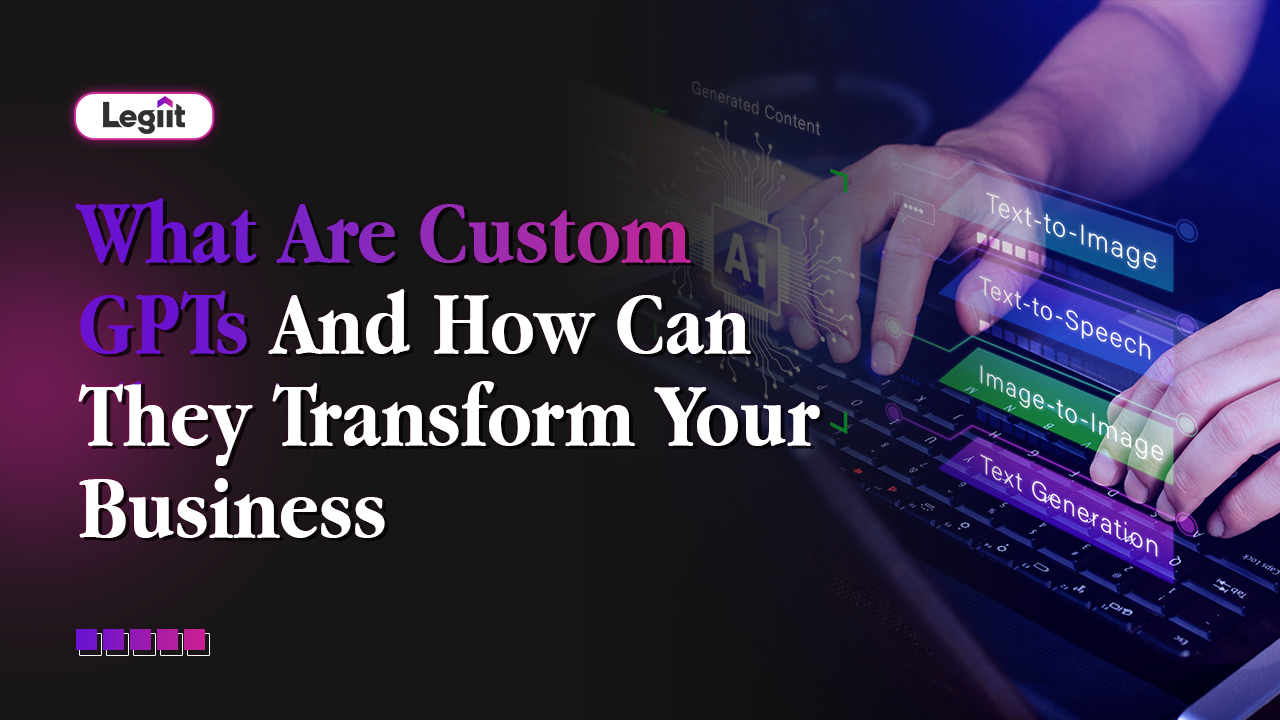
Most people know tools like ChatGPT as general AI assistants. You ask a question, and it answers. That is useful for general tasks, but in business, "general" is not enough.
You need something that knows your products, your return policies, your brand tone, and your specific workflows.
This is where Custom GPTs come in.
A Custom GPT is like a specialised team member built on top of a powerful AI model, but trained and configured specifically for your company. It follows your instructions, uses your internal documents as its brain, and behaves less like a generic chatbot and more like a focused digital colleague.
This guide explains exactly what they are and how they can change the way you work.
What Exactly Is A Custom GPT?
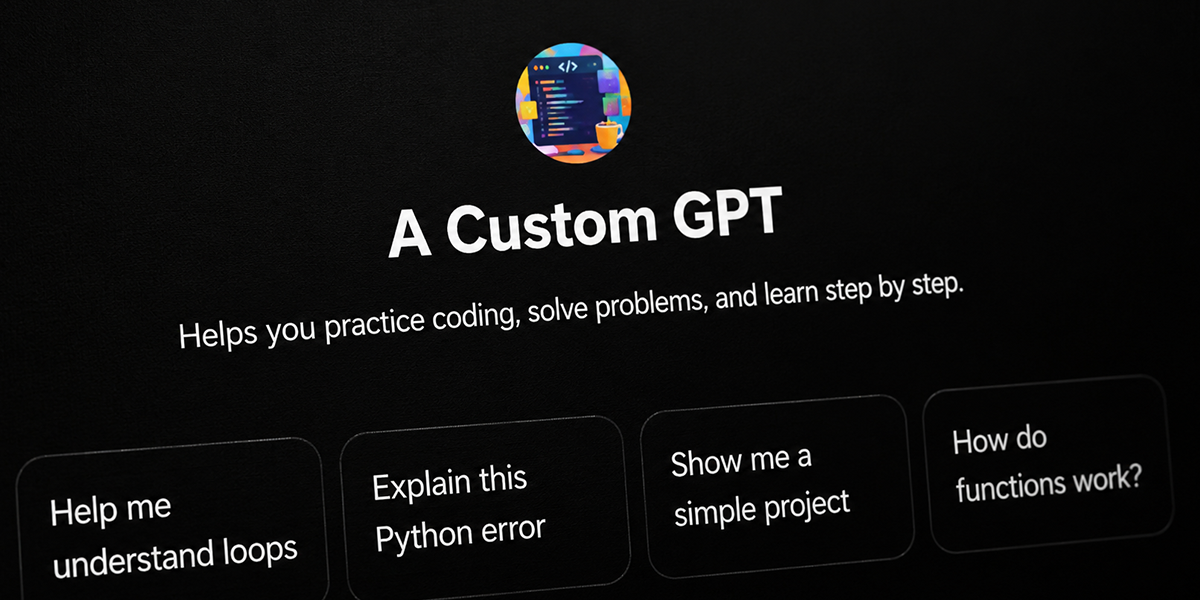
In simple terms, think of standard ChatGPT as a brilliant university graduate who knows a little bit about everything but nothing about your specific company.
A Custom GPT is that same graduate, but you have given them your employee handbook, your sales scripts, and your technical manuals. Now, they are an expert in your business.
You decide three things:
- What it should know: You upload your PDFs, spreadsheets, and guides.
- How it should talk: You tell it to be professional, casual, or empathetic.
- What it is allowed to do: You set the rules on what it can and cannot say.
The result is "your own ChatGPT" that understands your world instead of trying to guess it.
1. Smarter, Faster Customer Support
This is the most common use case. A Custom GPT trained on your specific Help Centre articles can transform your support ticket queue.
- The Old Way: A customer asks, "What is your refund policy?" A generic bot sends a link to a 50-page document.
- The Custom GPT Way: It knows your policy. It replies, "For digital products, we offer a full refund within 14 days if you have not downloaded the file. Would you like me to start that process?"
It keeps answers consistent with your latest rules and frees your human support team to handle deep, emotional issues instead of typing the same policy answers all day.
2. The "Company Brain" (Internal Knowledge)
Most companies have knowledge scattered everywhere. It is in Google Drive folders, Notion pages, old emails, and Slack messages.
A Custom GPT can sit on top of all this data and act as a search engine for your employees.
Instead of hunting through files, a new hire can simply ask: "How do we handle late payments in Europe?"
The GPT scans your uploaded internal guides and gives a clear, summarised answer instantly. It drastically reduces the time your team wastes searching for "that one document."
3. On Brand Content Creation
Marketing teams often struggle to make AI sound like "them." Generic AI tends to sound robotic or overly flowery.
With a Custom GPT, you can upload your brand voice guidelines and your best-performing past articles. You can instruct it: "Always write in a punchy, short sentence style like our blog from last month."
Now, when you ask it to draft an email or a social media marketing post, it comes out sounding exactly like your brand, requiring far less editing.
4. Personalised Sales Assistance
Imagine a sales assistant that has memorised your entire product catalogue.
A Custom GPT can help your sales team by acting as a "Battlecard" generator.
- The Scenario: A lead asks about a specific technical feature.
- The Action: The salesperson asks the Custom GPT, "How does our Premium Plan compare to Competitor X regarding security?"
- The Result: The GPT pulls the exact comparison from your training data, allowing the salesperson to give a perfect, accurate answer in seconds.
Risks And Things To Watch Out For

Custom GPTs are powerful, but they are not magic. There is one golden rule: Garbage In, Garbage Out.
- Data Quality: If the documents you upload are outdated or wrong, the GPT will give wrong answers. You must ensure your "source of truth" files are clean.
- Privacy: Be careful about access. You do not want a customer-facing bot to have access to internal financial documents. You need to set clear boundaries.
- Hallucinations: Like all AI, it can sometimes make mistakes. It is important to treat it like a junior employee: supervise it, test it, and improve it over time.
How To Get Started
You do not need to build a massive system on day one. Start small.
- Pick one job: Decide if you want a "Support Assistant" or a "Marketing Writer."
- Gather your content: Collect the best PDF guides and documents you have on that topic.
- Test it: Let a few team members chat with it. See where it gets confused and update the instructions.
The Strategic Bottom Line
A Custom GPT is not just a software tool; it is an asset. It captures the knowledge of your best employees and makes it available to everyone, 24/7.
However, configuring these bots to be secure, accurate, and effective takes skill. You need to know how to structure the data and write the "System Prompt" correctly.
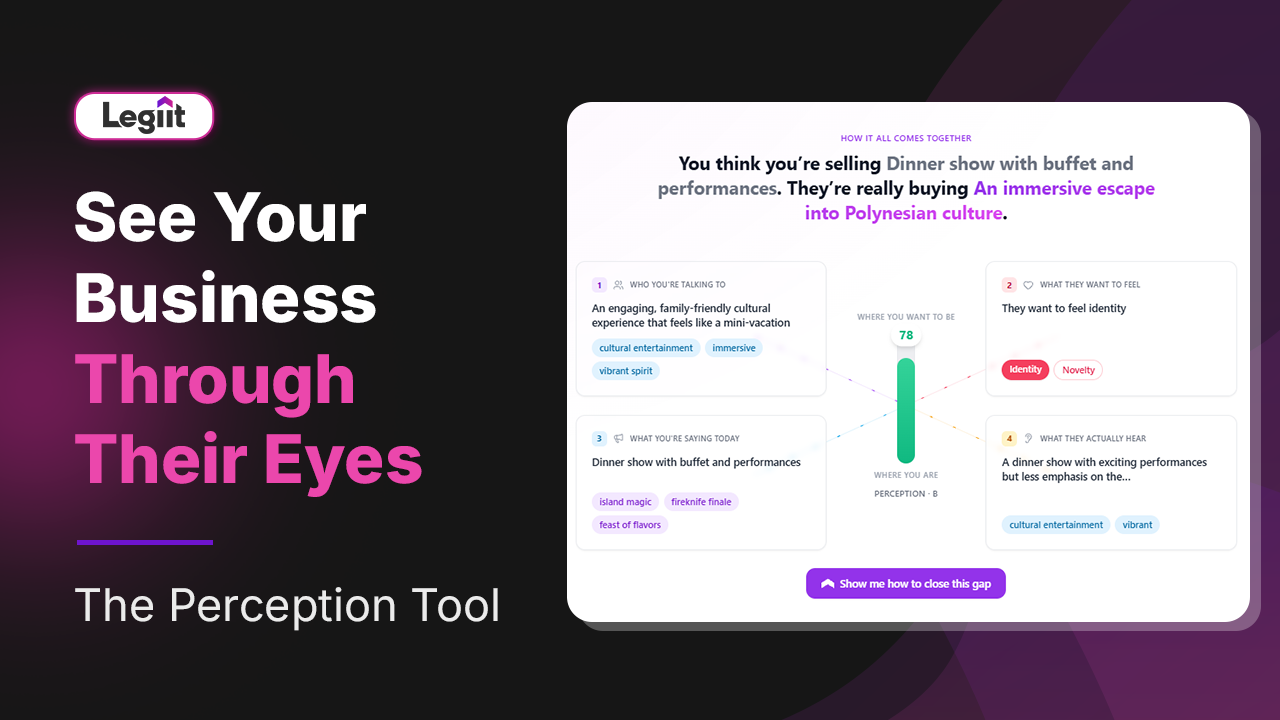
For the best results, we recommend you go with Legiit to find a Custom GPT Developer. These experts can take your raw documents and turn them into a polished, high-performance AI assistant that transforms your business operations overnight.
Custom GPT FAQ
Q: Do I need to know how to code to build one?
A: No. Building a basic Custom GPT is as easy as sending a text message. You type instructions in plain English (e.g., "You are a helpful support bot") and drag and drop your files. However, for complex integrations (like connecting it to your website), you will need a developer.
Q: Is my company data safe?
A: This depends on your plan. If you use ChatGPT Enterprise or Team plans, OpenAI states that they do not train their public models on your data. If you use the free or standard Plus version, you should check your privacy settings carefully before uploading sensitive info.
Q: What happens if my prices or policies change?
A: You must manually update the GPT. It does not "know" your prices changed unless you delete the old pricing PDF and upload the new one. It is smart practice to review your GPT's documents once a month.
Q: Can customers access my internal GPT?
A: Not by default. A Custom GPT inside ChatGPT is usually for you and your team. To put a GPT on your public website for customers to talk to, you need to use an API (a technical bridge), which usually requires hiring a freelancer to set up securely.






 Download