



Imagine hiring a new employee who has memorised every PDF, handbook, and policy your company has ever written. They never forget a rule, they never ask the same question twice, and they answer instantly.
That is exactly what happens when you train a GPT on your own knowledge base.
Many business owners think "training AI" requires expensive coding or supercomputers. In reality, modern tools allow you to do this by simply uploading files and giving clear instructions. You are not building a brain from scratch; you are just giving an existing brain a textbook to study.
This guide explains the simple process of turning your scattered documents into a smart business asset.
The Difference Between "Training" and "Grounding"
First, a quick clarification. In the AI world, we often say "training," but for most businesses, the correct term is Grounding (or RAG).
Training means teaching the AI how to speak English. (It already knows this).
Grounding means giving the AI a library of your specific files and telling it: "Use this information to answer questions."
This is great news because it means you do not need to be a data scientist. You just need to be organised.
Step 1: Gather and Clean Your Data

Your AI will only be as smart as the documents you give it. If you feed it outdated pricing sheets, it will give outdated prices.
Before you touch any software, you need to collect the "Source of Truth."
- Employee Handbooks: For HR bots.
- Technical Manuals: For support bots.
- Past Sales Calls: For sales training bots.
The Golden Rule: Quality over Quantity. Do not just dump every file you have into the system. Delete old drafts, remove duplicate files, and ensure every document is clear and accurate.
Step 2: Choose Your Platform
You have two main paths depending on your technical needs.
Path A: The Simple Way (ChatGPT Team / Enterprise)
If you just want an internal tool for your staff, you can use OpenAI's "Custom GPT" feature. You click "Create." You upload your files (PDF, Word, Excel). You are done. The AI now has access to that knowledge.
Path B: The Professional Way (Custom API)
If you want a chatbot on your public website to talk to customers, you cannot use the simple ChatGPT interface. You need a developer to build a bridge between the AI and your data using an API. This ensures the bot stays on your website and matches your brand colours.
Step 3: Write the "System Prompt"
This is the most important step. The System Prompt is the set of instructions that tells the AI how to behave.
You cannot just upload the files and walk away. You must tell the AI what to do with them.
- A Bad Prompt: "Answer questions based on the files."
- A Good Prompt: "You are the Senior Technical Support Agent for [Company Name]. Your goal is to help customers troubleshoot hardware issues. Always look for the answer in the uploaded 'Manual v2.pdf' first. If the answer is not in the file, state that you do not know. Do not guess. Keep answers short and friendly."
Step 4: The Testing Phase (Red Teaming)
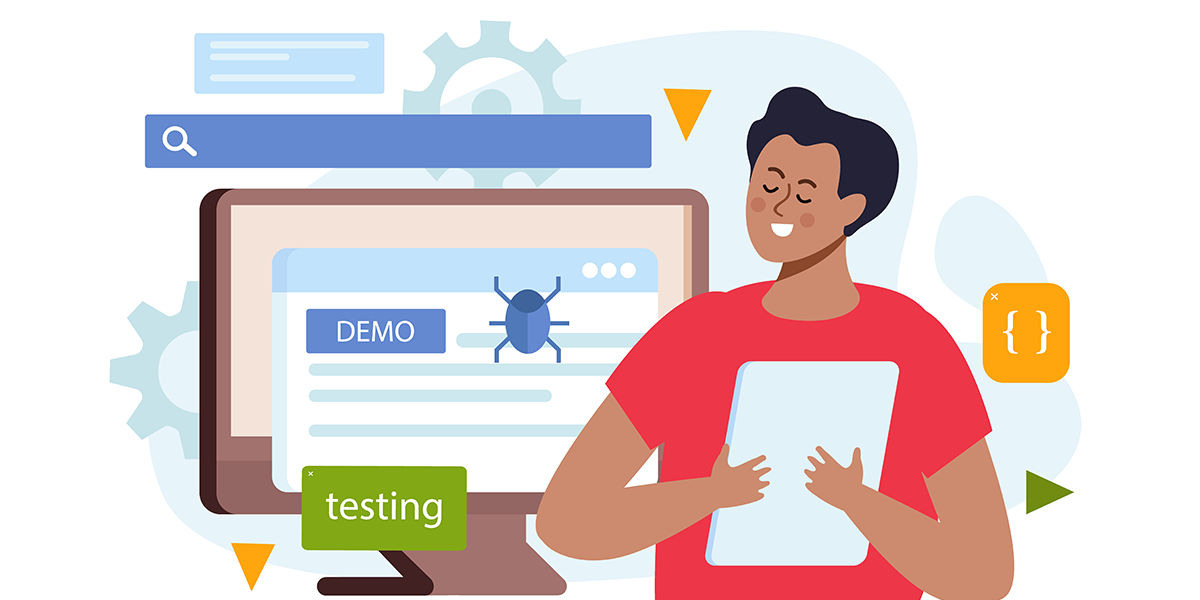
Once your bot is built, you need to try to break it. This is called Red Teaming.
Ask it questions that are not in the documents to see if it lies.
- Ask: "What is your opinion on our competitor?"
- Ask: "Can you give me a discount?"
If the AI makes up an answer, you need to go back to your System Prompt and add a rule: "Do not mention competitors" or "Do not offer discounts."
Step 5: Maintenance
Your company changes. Your AI must change with it.
If you update your pricing in June, you must remember to delete the old pricing PDF from the AI's knowledge base and upload the new one. If you forget this, your AI will confidently sell products at the wrong price.
Make it a habit to audit your AI's knowledge base once a month.
The Strategic Bottom Line
Training a GPT on your knowledge base is the highest leverage activity you can do in 2026. You are essentially cloning your best employee and making their knowledge available to everyone, instantly.
However, the "garbage in, garbage out" rule applies. The hard part is not the technology; it is organising your data and writing the correct instructions.
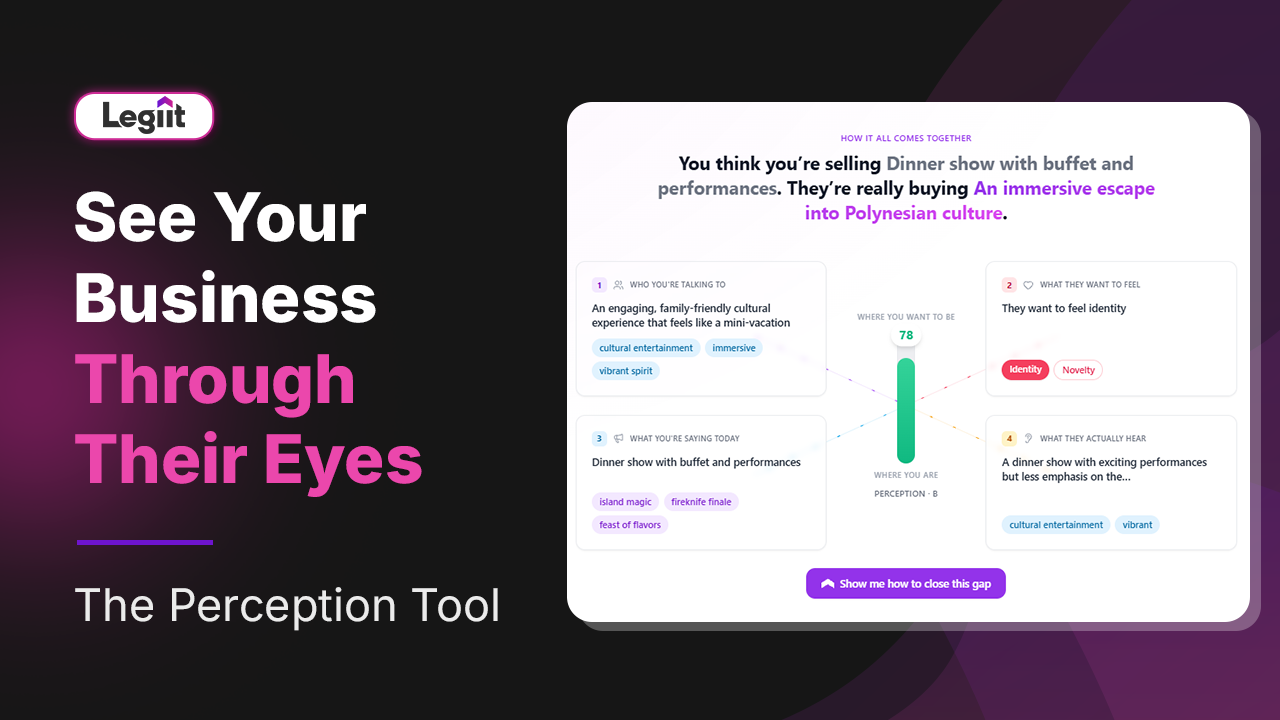
For the best results, we recommend you go with Legiit to find an AI Data Specialist. You do not need to spend hours cleaning PDFs and writing system prompts. Legiit freelancers can audit your documents, build the bot, and test it for safety, handing you a turnkey solution that knows your business inside and out.
Training FAQ
Q: Can I train it on my website instead of files?
A: Yes. Most custom AI tools allow you to paste your website URL. The AI will "crawl" (read) every page on your site and use that as its knowledge base.
Q: Is my data safe?
A: If you use the Enterprise versions of tools like ChatGPT or Claude, your data is private and is not used to train the public models. Always check the privacy policy before uploading sensitive financial or legal data.
Q: How many files can I upload?
A: It depends on the platform. Standard Custom GPTs allow around 20 files. Professional API solutions can handle thousands of documents by using a technology called a "Vector Database."







 Download