


Most articles on this topic start with a cheery "Why build your own rank tracker?" as if you are looking for a fun weekend project.
We are going to start with the uncomfortable truth: Most standard rank trackers tell you where you rank, but not whether you are making money.
You open your expensive dashboard (the one costing you $500/month), and it says you are #1 for your main keyword. Great! So why is your traffic flat? Why hasn’t revenue moved?
Because that tool didn't tell you the whole story; it didn't tell you that a massive AI Overview box pushed your #1 result halfway down the screen. It didn't tell you that while you rank #1 in New York, you rank #50 in Los Angeles. It didn't tell you that users are reading the answer on Google and never clicking.
If you are tired of paying enterprise prices for "vanity metrics" that don't match your bank account, this guide is for you. We are going to explore why off-the-shelf tools fail complex businesses and how to build a solution that tells you the truth.
The Problem: Why Off-the-Shelf Tools Fall Short
Commercial tools like Semrush and Ahrefs are incredible generalists. They are like buying a suit "off the rack." It fits most people okay, but it doesn't fit anyone perfectly.
When you rely on them for complex SEO, you run into three invisible walls:
1. The "Average" Trap
Most tools report an "average" rank. But averages are lies.
If you rank #1 in New York City and #99 in Albany, the tool says your average rank is #50.
- The Reality: You are dominating one market and invisible in the other.
- The Tool says: "You are doing okay."
This lack of nuance kills local businesses.
2. The Data Lag (The 7-Day Blindfold)
Many tools update their rankings weekly. In the world of AI algorithms, a week is a lifetime. If a new competitor appears on Tuesday, you won't know until the following Monday. You are making decisions based on old news.
3. The "Pixel Blindness"
This is the big one. Traditional tools report your Numerical Rank (e.g., Position 1).
But they rarely report your Pixel Rank (your visual position on the screen). You can be Position #1 numerically, but if there are 4 ads, a map pack, and a giant AI summary above you, your "Pixel Rank" is actually 1200px down the page, invisible to anyone on a smartphone.
When Do You Actually Need a Custom Tracker?
Let’s be honest: Most small businesses do not need this. If you run a local coffee shop, Google Search Console is perfectly fine.
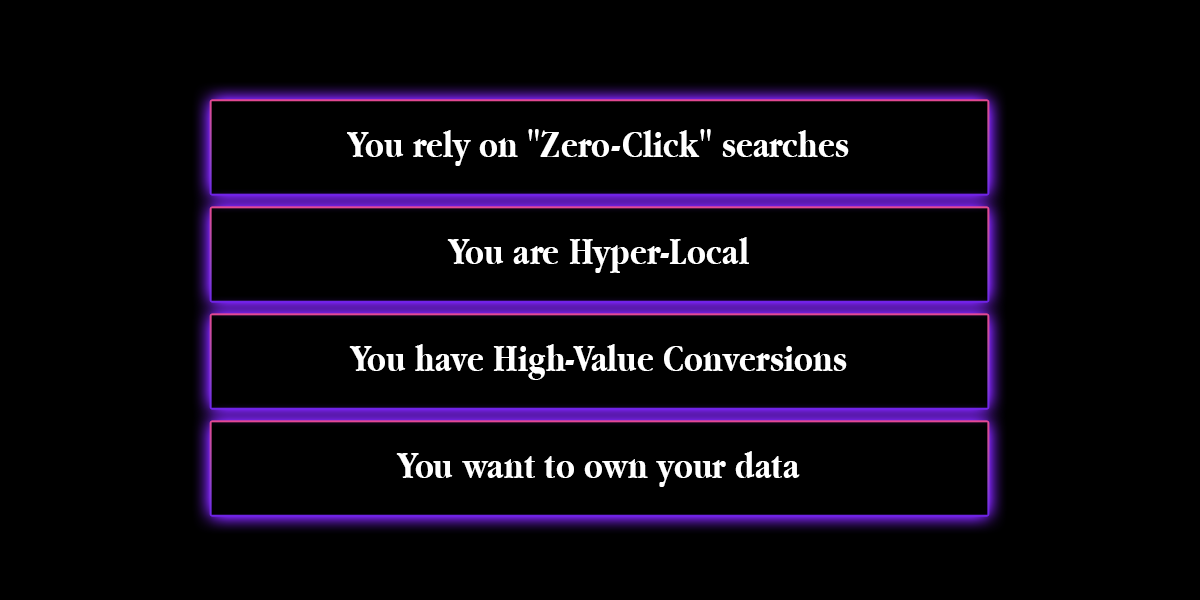
However, you need a custom solution if:
- You rely on "Zero-Click" searches: You need to know if your brand is mentioned in the AI summary, even if no click happens.
- You are Hyper-Local: You need to track rankings across 5,000 specific zip codes, not just broad "cities."
- You have High-Value Conversions: If one lead is worth $5,000, you can't afford to guess about your visibility.
- You want to own your data: You want to blend ranking data with your actual sales data to see the real ROI.
Define “Success” Before Writing Any Code
Before you hire a developer, you must redefine what you are tracking. A custom tracker allows you to track business metrics, not just SEO metrics.
- The Old Metric: "We are Rank #3."
- The Custom Metric: "We are Rank #3, visible above the fold on mobile, and our estimated click-share is 12%."
See the difference? One feeds your ego; the other feeds your strategy.
The Blueprint: How to Build It (Explained Simply)

You don't need to be a coder to understand how this works. Think of a custom rank tracker like a Digital Scout. It has three main parts: The Eyes, The Brain, and The Memory.
1. The Eyes (The Fetcher)
This is a simple script that sends a request to Google and "looks" at the search results. Don't build your own scraper. Google will block you immediately. Do use an API. Use a service like DataForSEO or ValueSERP. These services handle the messy work (proxies, captchas) and send you the raw data.
2. The Brain (The Parser)
This is the magic sauce. Once "The Eyes" brings back the data, "The Brain" analyses it. Instead of just looking for your URL, it asks smart questions:
- "Is there an AI Overview box at the top?"
- "Is our brand mentioned inside that box?"
- "Is the sentiment positive or negative?"
- "Are we visually above the fold on an iPhone?"
3. The Memory (The Warehouse)
Standard tools delete your history after a while. Your custom tool sends all this data to a warehouse like Google BigQuery. It’s incredibly cheap (pennies per month for storage) and lets you keep your data forever. You can then connect it to Looker Studio to make beautiful, custom reports that show exactly what you care about.
Tracking AI Overview Visibility (The Missing Layer)
This is the main reason businesses are switching to custom tools in 2026. Off-the-shelf tools struggle with AI Overviews because AI doesn't always "link" to you in a standard way. Sometimes it just talks about you.
A custom parser can be built to track:
- Mentions vs. Citations: Did the AI write "Brand X offers great service" (Mention) even if it didn't give a blue link (Citation)? Both are valuable.
- Citation Frequency: How often are you the #1 source vs. the #3 source?
- Sentiment Analysis: You can plug in a simple AI model (like GPT-4) to read the search result and tell you: "The AI is recommending your competitor because they have cheaper shipping."
This is actionable intelligence that no standard dashboard will give you.
Irrelevant Keyword Tracking (Stop Wasting Money)
Commercial tools charge you per keyword. This encourages you to track a static list of 500 words, half of which probably don't matter anymore.
A custom tracker allows for Dynamic Tracking. You can program your tool to:
- Automatically add new keywords from your Search Console that are getting impressions.
- Automatically delete keywords that haven't brought a single visitor in 6 months.
You stop paying to track vanity metrics and automatically focus your budget on the terms that are actually driving business.
Common Mistakes When Building Custom Trackers
If you decide to go down this road, avoid these expensive potholes:
- Ignoring "Personalisation": Google changes results based on who is searching. Your tracker needs to search "incognito" to get a neutral baseline, or your data will be biased.
- Cheap Proxies: If you try to do this cheaply, Google will feed you bad data or block you entirely. Use a reputable API to handle the connection.
- Underestimating Storage: Storing daily HTML snapshots of search results takes up massive space. Plan your database costs early (store the text, not the whole HTML code).
FAQ: Is Custom Worth It?
Is building a custom tracker expensive?
The upfront cost is higher (you have to pay a developer), but the long-term cost is often lower. You stop paying $500/month for "seats" and "limits" and only pay for the raw data you use, which might be $50/month.
Can I build this without code?
Sort of. You can use "No-Code" tools like Zapier or Make to connect an SEO API to Google Sheets. It’s a great way to prototype a mini-tracker, but it won't scale to thousands of keywords.
Is scraping Google legal?
Scraping public data is generally legal, but it violates Google's Terms of Service. This is why we recommend using a third-party API (like DataForSEO) that handles the compliance and scraping for you.
Final Verdict
Building a custom rank tracker is not for everyone. It requires maintenance, investment, and a clear strategy.
But if you are a serious business tired of guessing why your traffic is dropping, it is the ultimate competitive advantage. It gives you eyes where your competitors are blind. It tells you the truth about your visibility, your pixel rank, and your AI presence.
You don't have to build this yourself. Some freelance developers specialise in building these exact Python-based tracking architectures. Check out our guide on the Top 10 Freelancers for AI-Powered SEO Tools and Rank Tracking Software. These experts can architect a custom dashboard that tracks your AI visibility, local rankings, and actual revenue impact, giving you the truth, not just a number.






 Download