



In e-commerce, a technical error is not just a glitch; it is lost revenue. If a search bot cannot crawl your product pages, customers cannot buy them.
Unlike a standard blog, an online store has thousands of moving parts. Filters, facets, and inventory updates create a complex web of URLs that can confuse search engines. A "set it and forget it" approach does not work here.
You need a rigorous routine to keep your store healthy. This guide covers the 5 critical phases of an e-commerce technical seo audit. We will strip away the fluff and focus on the high-impact actions that protect your rankings and revenue.
The Audit Cheat Sheet
Here is your executive summary:
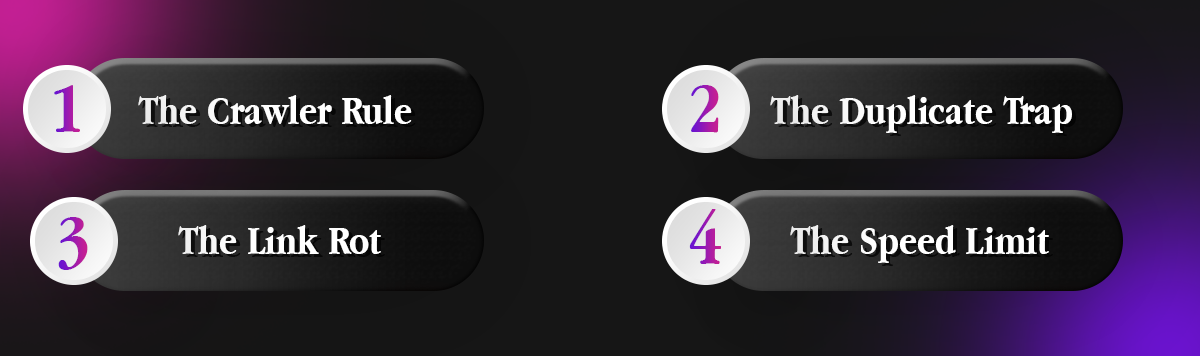
- The Crawler Rule: Always set your crawler to "Googlebot Smartphone." If you crawl as a desktop user, you are seeing a version of your site that Google ignores.
- The Duplicate Trap: eCommerce sites generate infinite URLs via filters (e.g., Red Shirts). You must use Canonical Tags to tell Google which version is the "master" copy.
- The Link Rot: A deleted product should never result in a 404 error for long. Redirect it to the parent category to save the "link juice."
- The Speed Limit: Your Largest Contentful Paint (LCP) is likely your product image. Compress it.
On This Page
- Phase 1: Setup & Crawl (The Foundation)
- Phase 2: Indexing & Architecture Checks
- Phase 3: Internal Linking & Cleanup
- Phase 4: Site Performance (Core Web Vitals)
- Phase 5: Content & Structured Data
- Technical Audit FAQ
- The Bottom Line: Proactive vs. Reactive Maintenance
Phase 1: Setup & Crawl (The Foundation)
Before you fix anything, you must see what Google sees.
Tools Required: You cannot do this manually. You need Google Search Console (GSC) for accurate indexing data and a robust crawler tool like Semrush or Screaming Frog. The Semrush Site Audit tool is excellent as it automates over 140 distinct technical checks.
Configure the Crawl: Do not just hit "Start." You must configure the settings to match an e-commerce environment.
- User Agent: Set your crawler to "Googlebot (Smartphone)." Google uses mobile-first indexing, so if your mobile site has issues, your rankings tank.
- URL Parameters: This is critical. You must configure the crawler to ignore low-value query strings (like ?sort=price or ?direction=desc). If you don't, you will waste your crawl budget checking thousands of duplicate pages that do not matter.
Phase 2: Indexing & Architecture Checks
If Google cannot index your pages, nothing else matters.
Robots.txt & Sitemaps
- Shopify Specifics: Shopify generates your robots.txt automatically, but custom apps can sometimes inject blocking code. Verify that critical CSS and JS resources are not blocked.
- Sitemap Hygiene: Use your audit report to ensure your XML sitemap is clean. It should only contain live, 200 OK status URLs. Remove any "dirty" URLs (pages that return 404 errors or 301 redirects) from the sitemap immediately.
Canonicalization (Critical for eCommerce): This is the number one technical issue for online stores.
- The Issue: Filters create duplicates. A user searching for "Red Nike Shoes" might generate a URL like /shoes?color=red&brand=nike. To Google, this looks like a duplicate of your main shoe page.
- The Fix: Ensure every product variant points to a single "master" URL using the rel="canonical" tag. Check the "Duplicate Content" report in your audit tool to flag any URLs competing for the same keyword.
Phase 3: Internal Linking & Cleanup
Your site structure distributes authority. Broken links stop that flow.
Orphan Pages These are product pages that exist but have zero internal links pointing to them. If a user (or bot) cannot click to it from your menu or category pages, it effectively does not exist. Use the "Orphaned Pages" widget in your audit tool to find and relink these lost products.
Status Code Cleanup
- 4xx Errors: These are usually broken links from deleted products. Do not leave them as 404s. Redirect them (301) to the closest relevant category page. Do not redirect everything to the homepage; Google treats that as a "Soft 404" and it passes no value.
- 3xx Chains: Avoid redirect chains (e.g., Page A > Page B > Page C). This dilutes "link juice" and slows down the user experience. Flatten these so Page A links directly to Page C.
Phase 4: Site Performance (Core Web Vitals)
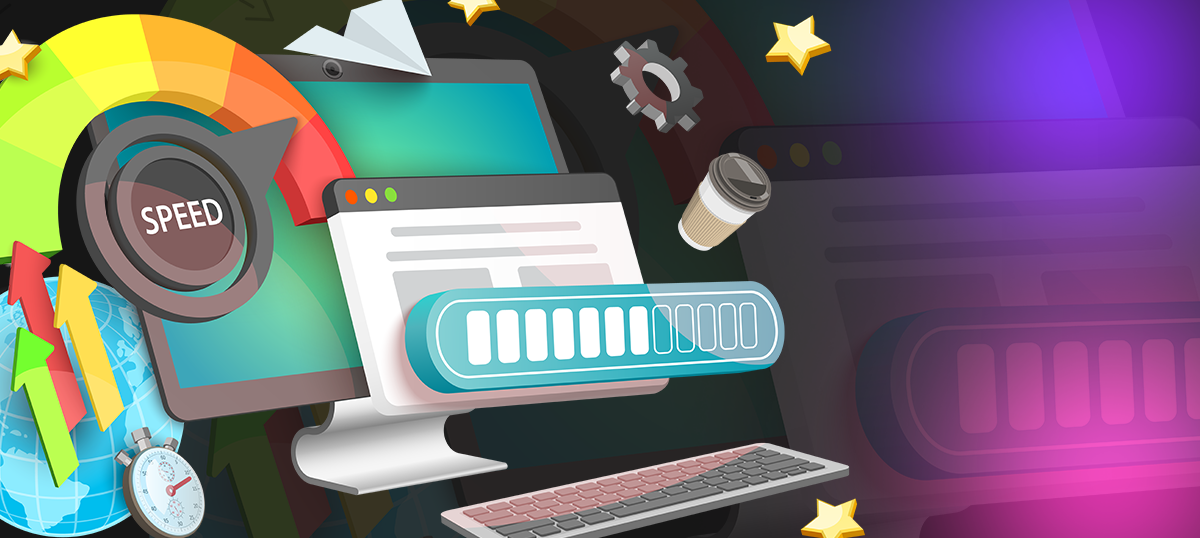
Speed is a ranking factor, and for e-commerce, it is a conversion factor.
Speed Metrics
- Shopify Tip: Use the "Online Store Speed Report" in your admin dashboard for a platform-specific benchmark.
- The Audit Check: Focus heavily on LCP (Largest Contentful Paint). On a product page, this is usually your main product image. Ensure all images are compressed (under 100KB is ideal) and use "lazy loading" for any images that appear below the fold.
Mobile Usability Since 67% of e-commerce traffic is mobile, your audit must check for touch targets. Look for flags like "clickable elements too close together" or content wider than the screen.
Phase 5: Content & Structured Data
Technical SEO also includes how machines understand your content.
Thin Content on Collections Collection pages often suffer from "thin content" because they are just grids of images. Google needs text to understand context.
- The Fix: Add 300+ words of unique, helpful description to the bottom of these pages so they can rank for broad terms like "best running shoes."
Schema Markup Structured data is what gives you those shiny star ratings and prices in Google results.
- The Requirement: Ensure your Product Schema is valid. It must include Price, SKU, and Availability (In Stock/Out of Stock).
- The Risk: Broken schema means you lose "rich snippets." Use Google's Rich Results Test or your audit tool to validate that your code is firing correctly.
Need a Professional Deep Dive?
Running a crawl is easy; interpreting the data is hard. A single wrong change to a canonical tag or robots.txt file can deindex your store.
On Legiit, you can find Technical SEO Experts who specialize in e-commerce audits. They can run the crawl, analyze the 140+ health checks, and provide a prioritized action plan to fix your site.
Technical Audit FAQ
How often should I perform a technical audit?
For large ecommerce stores, you should run a mini audit monthly and a full "deep dive" audit quarterly. eCommerce sites change constantly with new inventory, making frequent checks necessary.
What is the most common e-commerce technical error?
Duplicate content caused by faceted navigation (filters) is the most common issue. Without proper canonical tags, Google wastes time crawling thousands of filter variations instead of your high-value pages.
Why does my Shopify site have so many 404 errors?
This often happens when you delete products that are out of stock. Instead of deleting them, you should archive them or 301 redirect the URL to a relevant category page to preserve the SEO value.
The Bottom Line: Proactive vs. Reactive Maintenance
The health of your store comes down to your mindset.
Rely on Reactive Fixes if you treat your store as a side hustle. You wait for customers to complain about broken links or slow pages before you act.
Commit to Proactive Audits if you are building an asset. You schedule monthly crawls to catch "silent killers" like broken canonical tags or schema failures before they hurt your bottom line.
Ultimately, you cannot build a skyscraper on a swamp. Before you spend money on backlinks or content marketing, you must ensure your technical foundation is solid. Start your crawl today.








 Download