
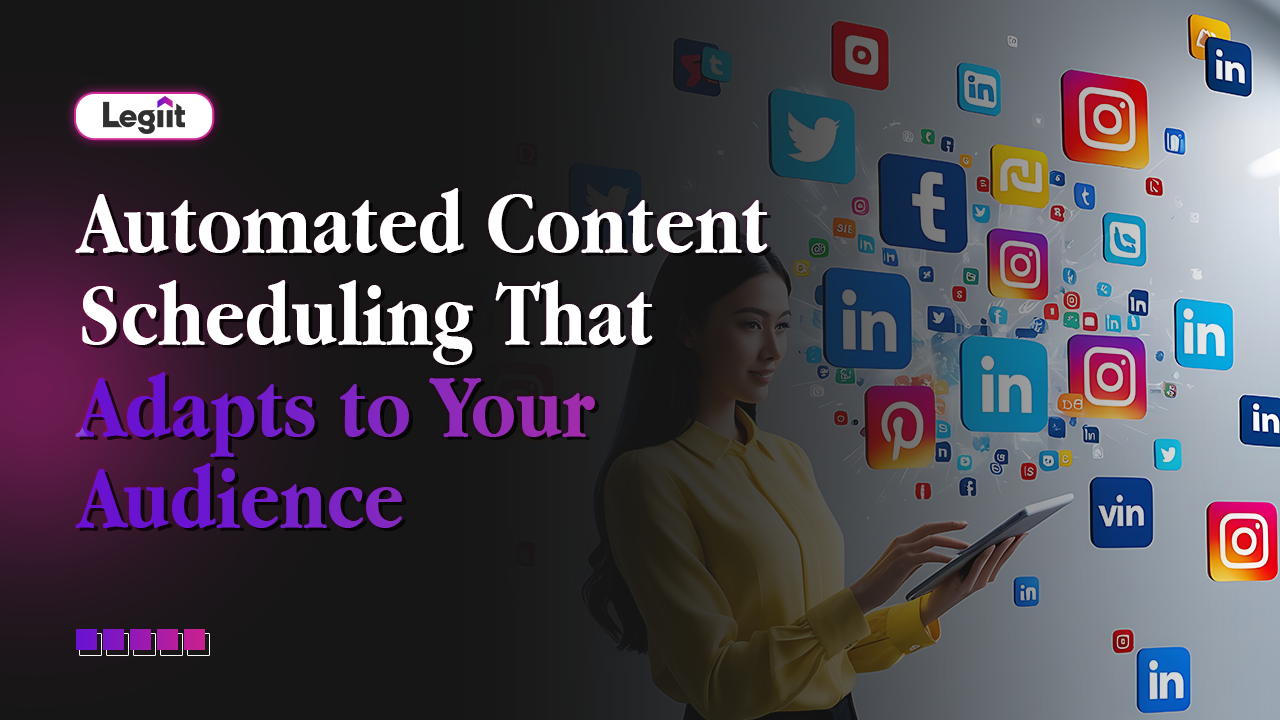
We are past the stage where simply "posting consistently" is enough. Almost everyone is scheduling content now. The real advantage in 2026 comes from systems that do more than just follow a fixed calendar. They learn.
For years, social media advice has been rigid: "Post every day at 9:00 AM." But your audience is not rigid. Their lives change. They switch jobs, move time zones, and change their scrolling habits. A static schedule quickly becomes obsolete.
Adaptive Scheduling is the solution. It uses AI to handle not just when your posts go out, but to continuously adjust that timing based on how your real audience behaves. It is like having a smart, always awake assistant that watches your audience patterns and quietly optimises your calendar in the background.
This guide explains how adaptive scheduling works and why it is the ultimate productivity hack for growing creators.
How Adaptive Scheduling Works
At the heart of adaptive scheduling is a simple idea: Data beats guessing.
Instead of you deciding that "evenings work best" based on a hunch, the AI studies the actual performance data. It looks at three main signals:
- Activity: When are your followers actually online?
- Engagement: When do they click, comment, and share?
- Content Type: Do they watch videos in the morning but read long text posts at night?
Using this data, the system shifts your posting times automatically. If your audience starts checking their phones earlier in the day, the system notices the trend and moves your posts to 7:00 AM without you having to drag a single tile on your calendar.
Static vs. Adaptive: The Difference
To understand the value, you have to compare it to the old way of doing things.
- The Static Way (Old): You decide to post every Monday at 10:00 AM. You stick to this for six months. Eventually, your audience gets bored, or their schedule changes, and your engagement slowly drops. You have to manually analyse charts to figure out why.
- The Adaptive Way (New): You upload a batch of 5 posts and tell the system: "Post these sometime this week." The AI looks for the highest traffic windows and slots the content in. If a breaking news event happens and engagement drops, the system might hold the next post back until activity spikes again. It is constantly testing and refining to ensure every piece of content gets the best possible chance to be seen.
What AI Actually Looks At
It is hard for a human to track every variable. An AI tool scans multiple signals in seconds:
- Time-Based Patterns: It identifies that your specific account gets 20 per cent more likes on Thursdays than on Tuesdays.
- Format Preferences: It notices that carousels perform better at lunchtime (when people have time to swipe), while short Reels perform better late at night.
- Audience Shifts: If you gain a sudden wave of followers from a different time zone, the AI detects this new activity peak and starts scheduling posts to reach them, instead of forcing you to stay up late.
Practical Examples in Action
Here is what this looks like for real users:
- The Weekend Warrior: A creator notices their weekend posts always flop. The AI sees that the audience is actually offline on Saturdays. It automatically reduces weekend frequency and stacks those posts onto high-value days like Tuesday and Wednesday.
- The Format Split: A brand posts both product photos and educational tips. The AI learns that product photos get more clicks in the evening (shopping time), while educational tips get more saves in the morning. It rearranges the schedule to match this flow.
What It Cannot Do

Adaptive scheduling is powerful, but it is not magic. It is important to have realistic expectations.
- It cannot fix bad content. If your video is boring, posting it at the "perfect time" will not make it viral.
- It cannot replace strategy. You still need to decide what to say. The AI only handles delivery.
- It cannot handle sensitivity. If a major tragedy occurs in the news, an AI tool might not know to pause your "Happy Friday" post. You still need to supervise the machine.
The Real Benefit: Mental Space
The biggest gift of adaptive scheduling is not just better reach; it is Focus.
When you stop obsessing over "Is 5:00 PM better than 5:15 PM?", you free up mental energy. You can focus on the things computers cannot do, like replying to comments, building relationships, and creating great content.
While you do the creative work, the schedule quietly adapts in the background. The result is a feed that feels steady and present to your audience, with much less effort from you.
Adaptive Scheduling FAQ
Q: Do I lose control over my specific launch dates?
A: No. Most tools allow a "Hybrid" model. You can lock in specific posts for product launches (e.g., "Must post Friday at 9:00 AM") while letting the AI handle the timing for your evergreen educational content.
Q: Does this work for new accounts with no followers?
A: Not immediately. The AI needs data to learn. If you have zero followers, it will likely use "Global Best Times" initially. Once you have a few weeks of posting history, the AI will switch to your personalised data.
Q: Will the algorithm punish me for using AI scheduling?
A: No. Social platforms (Instagram, LinkedIn, X) do not penalise third-party schedulers. In fact, because adaptive scheduling aims for high engagement times, it often helps you work with the algorithm rather than against it.
Q: Can I approve the times before they go live?
A: Yes. Most systems have an "Approval Queue." The AI will suggest a time (e.g., "Suggested: Wednesday at 2:15 PM"), and you can click approve or manually change it if you disagree.
The Strategic Bottom Line
If you are still manually dragging posts around a calendar based on a blog post you read in 2021, you are wasting time.
The future of scheduling is fluid. It moves with your audience.
For the best results, we recommend you go with Legiit to find a professional Social Media Manager or Automation Expert. You do not need to figure out these complex AI tools alone. Legiit freelancers can set up these adaptive systems for you, connect your accounts, and hand you a "self-driving" calendar that grows your engagement automatically.






 Download